Deeper integrations, smarter audiences, and more ways to share your best content
This month’s release brings more than a dozen new features and enhancements, all built to make partner marketing faster, smarter, and easier to scale. Here’s what’s new for you and your partners.
Partners Can Work in the AI Tools They Already Use
New Feature
New MCP Server
Your partners already spend their day working inside Claude, ChatGPT, and other LLMs. Now Structured does too. Our latest release adds a native MCP server, so partners can query Structured’s knowledge base and AI assistant directly from the tools they already use, no extra login required.
Do you have an internal AI assistant that you want to connect to Structured’s MCP for the same connected guidance and results? This functionality is launching later this quarter. Stay tuned for even deeper integrations coming soon.
New Integrations & Lead Management Enhancements
New Feature
Mailchimp & Hubspot Integrations Now Available for Partners
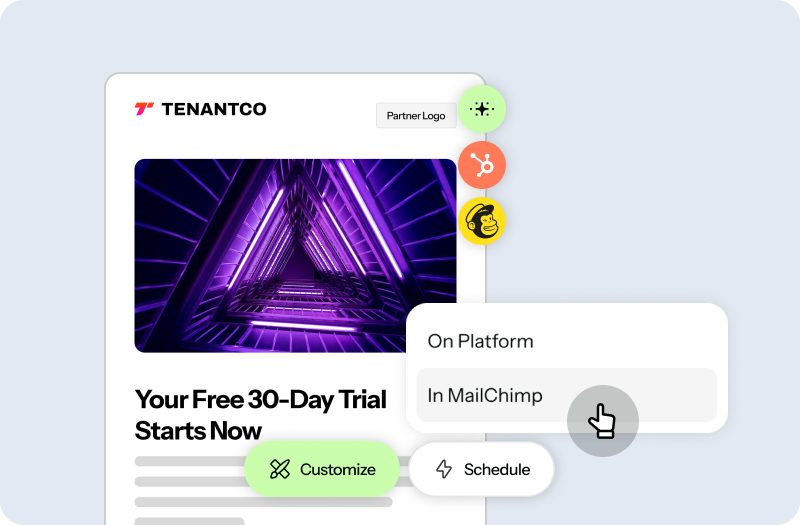
Structured now connects natively to Mailchimp and Hubspot, allowing partners to leverage the tools and mailing lists they already use. Partners can build an email in Structured and push it directly into Mailchimp or Hubspot to send. No more downloading, rebuilding emails, or exporting audiences. Email can go out in minutes, mapped, cobranded, and ready.
New Feature
Smart Mailing Lists
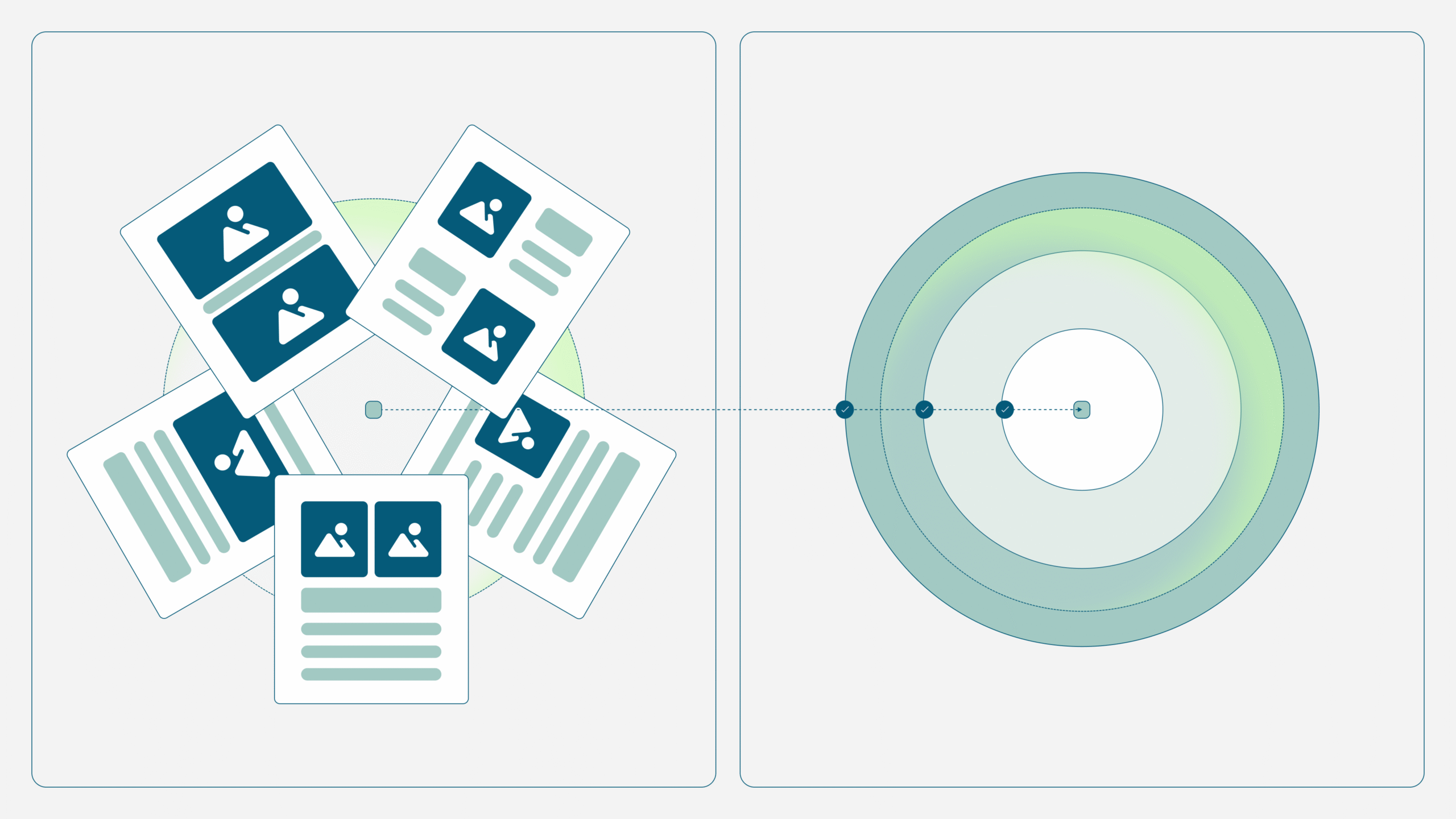
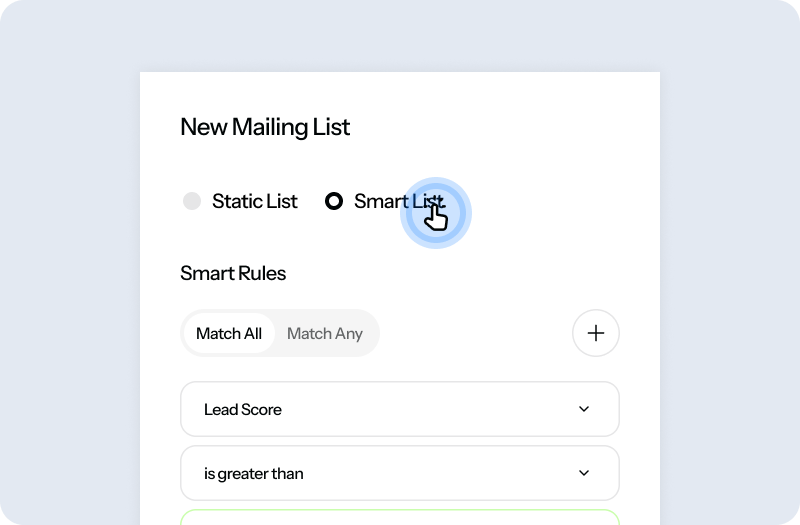
Unlike static lists, Smart Mailing Lists use rule-based criteria that you set to keep your campaign audience up to date automatically. As people become eligible or no longer qualify, they are added or removed for you, saving time and reducing the risk of sending campaigns to the wrong contacts.
UPDATE
Lead and Mailing List Ingestion API
A new ingestion API automatically imports leads and mailing list entries into Structured from your CRM or other business systems, eliminating manual imports and keeping your marketing data up to date. Developers can also use the API to integrate Structured into custom applications and data pipelines.
UPDATE
Smarter, More Personal Events & Webinars
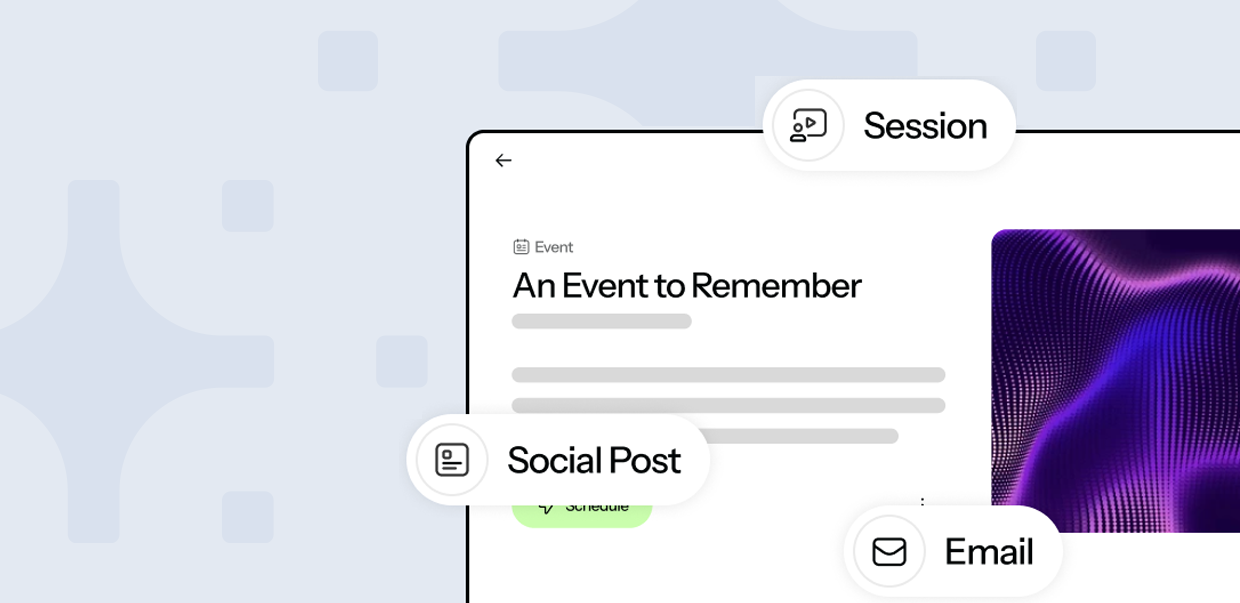
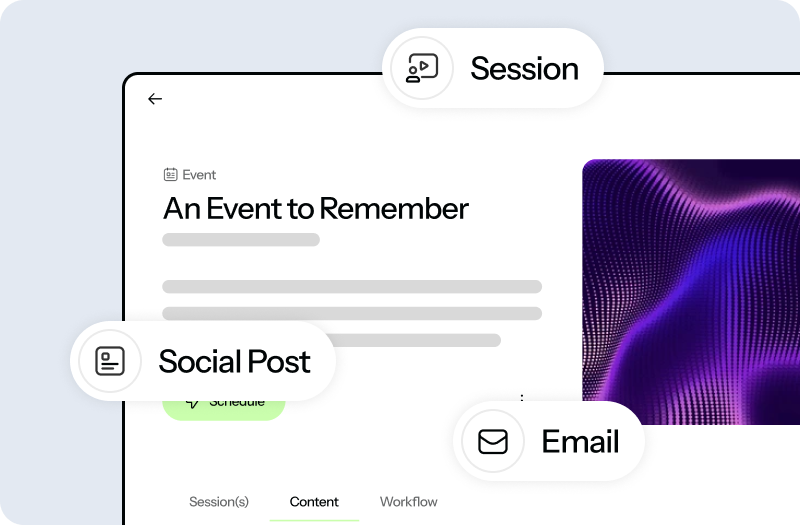
This release reworks how events get built and run:
- Simplified event setup. Registration and join pages are created first, making it easy to link them from invitation, reminder, and follow-up emails.
- Dedicated reminder emails. Reminders now get their own content section, separate from invitations and follow-ups.
- Smart event audiences. New Smart Mailing Lists (Registered, Not Registered, Attendees, Non-Attendees) update automatically, so a “thank you” email goes to attendees and a “sorry we missed you” email goes to non-attendees, no manual list work required.
Share & Scale Content Globally
UPDATE
Translation Services Expansion
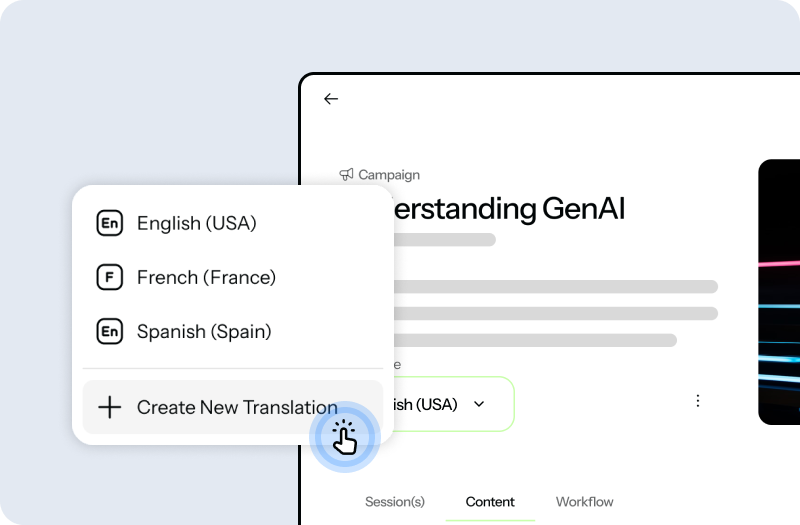
Translation coverage now supports images, events, files, webinars, and PDFs, with more provider choices for system admins (Google Translate API, Smartling, and Lionbridge). Account users can use Google Translate to make translation requests themselves.
New Feature
Public Share Links Now Available
Share content with a single link that never changes. Public Share Links always point to the latest published version of your asset, so you can update and republish content without sending a new URL.
UPDATE
Bulk File Upload Enhancements
Import more of your marketing assets in a single upload. Bulk uploads now support video and PowerPoint (PPTX) files, while an enhanced Manage Import experience provides clearer status updates, filtering, and progress tracking so you always know where every file stands.
Built for the Enterprise
New Feature
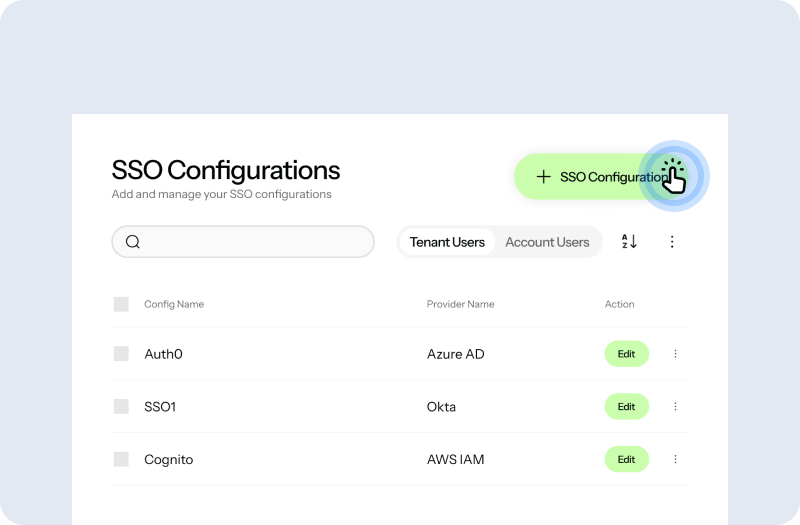
SSO Multi-IDP and Encrypted SAML
Tenants can now configure multiple identity providers per authentication scope, with encrypted SAML support, built for complex multi-country and partner-scoped deployments.
More to Come
This is one release in a longer story: an AI-first platform built specifically for channel and partner marketing. Every feature above exists because it makes partner collaboration faster, more personal, or more automatic, and that is the standard we hold every release to.
Want a walkthrough of any of these features for your team? Talk to your Customer Success Manager, or reach out through the Structured Support Portal.